
PLAYMOVE / HOW TO PLAY
Body tracking not working
Body tracking needs the parts used by the game. FLEXIBILITY needs head, hands and feet; a steering task may use different areas.
Original browser games · Free · Camera starts only when you choose
21 free games to discover
Find your next game
Start with games for this topic, then explore more ideas with related controls or mechanics.
 For this topic
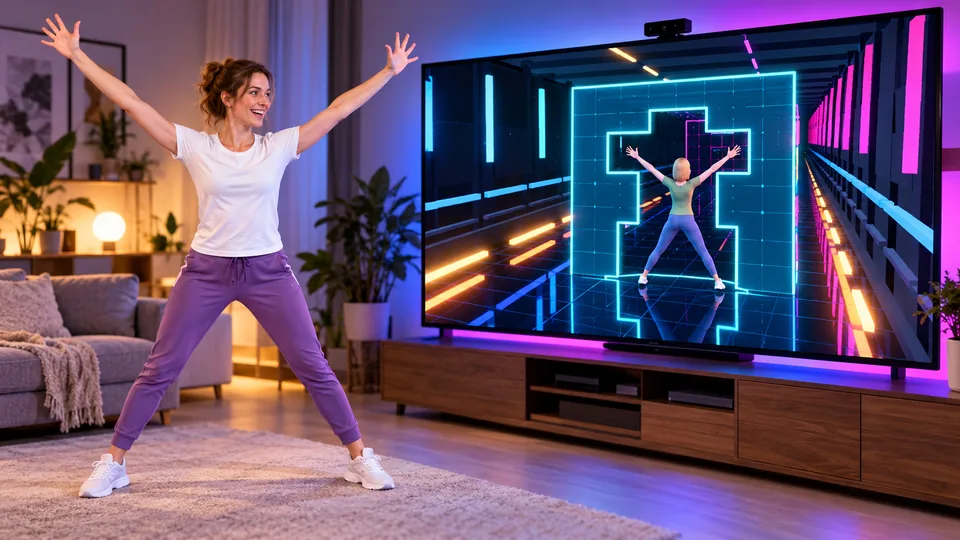
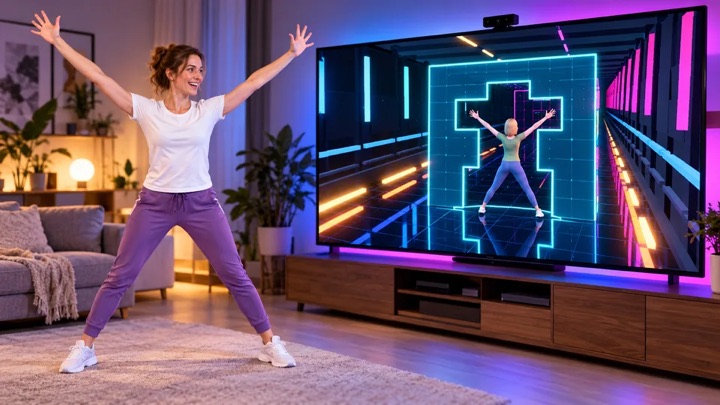
FLEXIBILITY
Neon walls fly towards you. Shape your body to fit the opening – your body is the puzzle.
Controls & rules
Choose your character and game mode. Hold your hand over an option. Stand upright for calibration with your head, hands and feet in frame. Fit your arms, upper body and legs into the block opening. At 80% you fit through; at 97% you earn the perfect bonus. Play until your third mistake – every fourth wall increases the speed. Without a camera: use keys 1–8 or drag joints in Pose Studio.
 Try this too
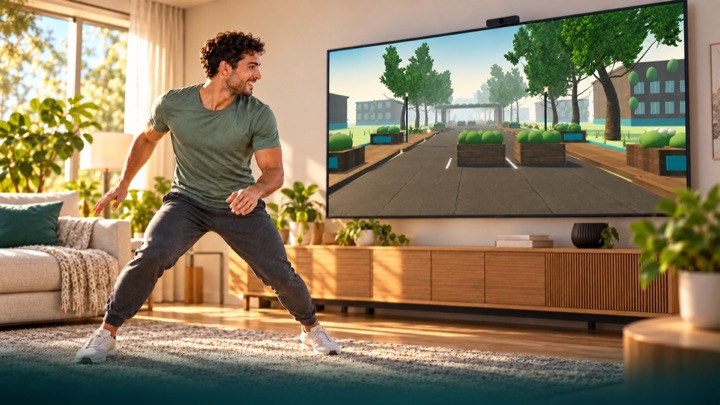
LUMEN TRAIL
Run through an overgrown future city. Dodge, jump over roots and duck under pipes. Your movements bring the light back in first-person view.
Controls & rules
You run automatically in first-person view through parks, courtyards and an abandoned highway. Move sideways, make a small jump and crouch. The comfort profile uses raised hands for jumps. Calibrate first. Tracking loss never ends or pauses the run: you continue protected, without points or fitness time for assisted passages. Three-minute scored runs use fixed rules. Free training is unranked. Hold a raised hand over an upper side target to use menus. Keyboard: A/D or arrows, Space to jump, S/down to duck, Escape to pause. Touch: swipe sideways, up to jump and down to duck.
 Try this too
REACTION FLOW
Power a futuristic energy arena with your body. Touch light cores, find your rhythm and get your whole body moving.
Controls & rules
Calibrate your movement space: stand still, stretch both arms sideways, then raise your hands. Touch blue cores with one hand and purple cores with both. Aim for the beat as the outer ring meets the target ring. PERFECT awards bonus points; early and late hits still count. Green means squat; orange means side step. Tracking loss pauses the round. Without a camera: mouse or touch, down arrow to squat, left and right arrows to step. Follow light trails with the same hand, stabilize both energy fields, and duck below red waves. Gold: hands up, arms wide, then squat.
 Try this too
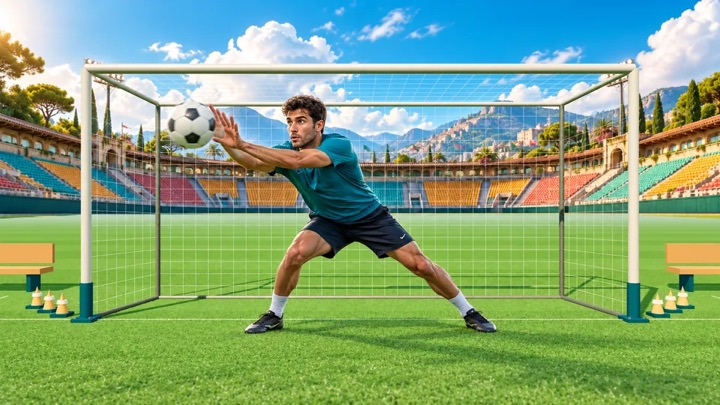
GOALKEEP
Your goal. Your moment. Save flying footballs with your hands, arms and body as a live cutout goalkeeper on a 3D training pitch.
Controls & rules
Show your upper body and both hands to calibrate. Follow the flight and block the ball as it arrives. The machine sweeps through different directions, grips the ball and fires without a target marker. Campaign combines machine quotas, mixed fitness, reaction and colored-basket challenges with team rounds using PlayMove match rules. Classic progresses from the ball machine to opposing strikers and corner volleys. Save 4, 6, 8 and 10 balls per round, then an endless wave. Shuttle runs and jumps or raised hands earn coach bonus points between rounds. The ball always stays in front of your camera cutout. Five goals end your run. Arcade adds curved shots and combos. Training is unranked. Keep your camera distance; tracking loss pauses play. Without a camera, move the glove with your mouse or touch. Escape pauses.
 Try this too
Little & Giant
Become a nature spirit. Carry Little, shape paths and guide water, light and wind through 30 puzzle rooms with 15 magical painted worlds.
Controls & rules
Follow the labels beside each object: turquoise marks the start and gold the destination. To grow a leaf bridge, place both hands at the banks and connect them with your arms and shoulders. Lower your arms once Little starts walking. Pick Little up and set him down at the marked landing. With a mouse, touch or one hand, draw a shallow path; select one-hand mode in the journey menu. Completed actions remain in the world.
 Try this too
DANCE WORKOUT
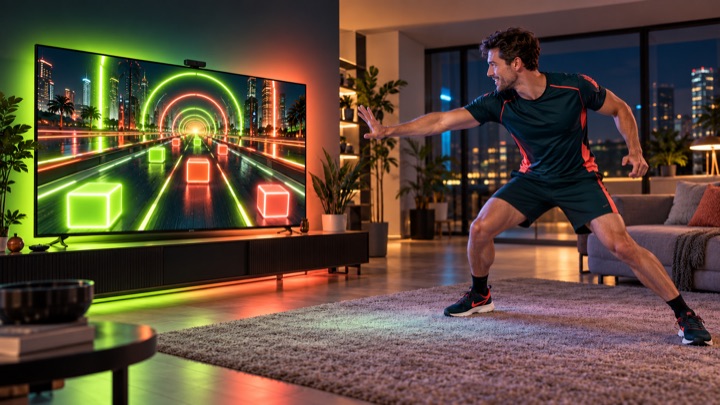
Your body becomes the beat: travel through twelve distinct 3D worlds, hit neon blocks and master new combinations at changing tempos.
Controls & rules
Find new blockers under World Journey > New Blockers. Stand wide or close and combine hand targets with crouches. Calibration can use visible knees when feet are cropped; unreliable legs automatically select the separately ranked upper-body alternative. Hold Q for wide stance, release to stand close. Show shoulders, hips and hands. Calibrate and practice touches, side steps, jumping and ducking. Touch neon blocks with your hands; double targets need both hands. Small side steps, real jumps and held crouches control obstacles. The journey never stops on mistakes or tracking losses. No points or fitness time are earned while untracked. Menu targets stay at the upper outer sides and require deliberate holding. Choose the twelve-minute journey, any single practice world or the three-minute round. Twelve worlds, 96–148 BPM, increasing difficulty, original music and separate leaderboards. Without a camera: mouse or touch for hand targets, Shift for both hands, A/D or arrows to dodge, Space to jump, S/down to duck, Escape to pause.
 Try this too
NEON RUN
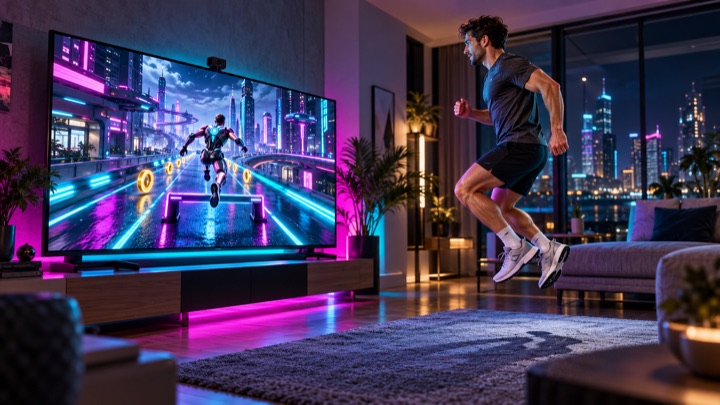
Move your body to guide a futuristic runner through a glowing 3D city. Change lanes, jump over hurdles and duck beneath neon gates.
Controls & rules
Show shoulders and hips to the camera. Calibrate and practice left, right, jumping and ducking. Move sideways to change lanes. Jump over low hurdles and hold a crouch beneath high gates. Your character runs automatically. Mistakes and brief camera losses never end your run. Three minutes through boulevard, tunnel and skyline. Hold your hand over the upper side menu targets. Keyboard: arrows or A/D, Space to jump, down/S to duck, Escape to pause. Practice does not enter rankings.
 Try this too
Mirror Time
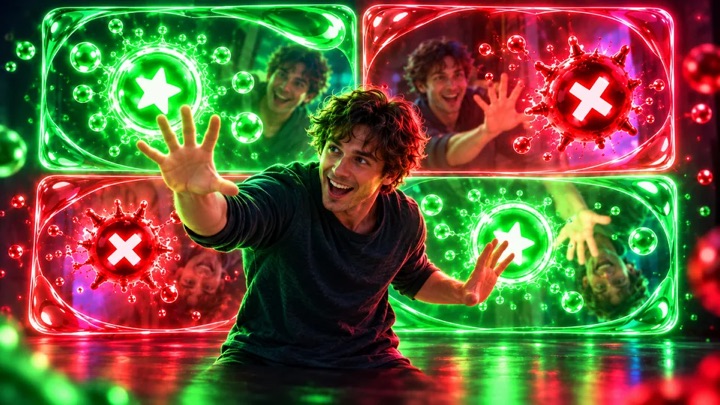
Hit green stars, avoid red bombs. The mirror image flips the rules.
Controls & rules
Keep touching green stars until you collect them. Avoid red bombs: they explode immediately on contact. At higher levels the stars need a shorter hold. Your image is mirrored again and again. Three explosions end the round.
Understand the task
Compare actual framing with the instructions. Visual zoom does not make the camera physically wider. Reposition and recalibrate. A person behind you can confuse selection; test alone before configuring Duo.
Which option suits you?
| Option | Task or route | What to check |
|---|---|---|
| FLEXIBILITY | Match your body to openings | Head, hands and feet in frame |
Start your first round
- Read which body areas are needed.
- Reframe the actual camera.
- Recalibrate under those conditions.