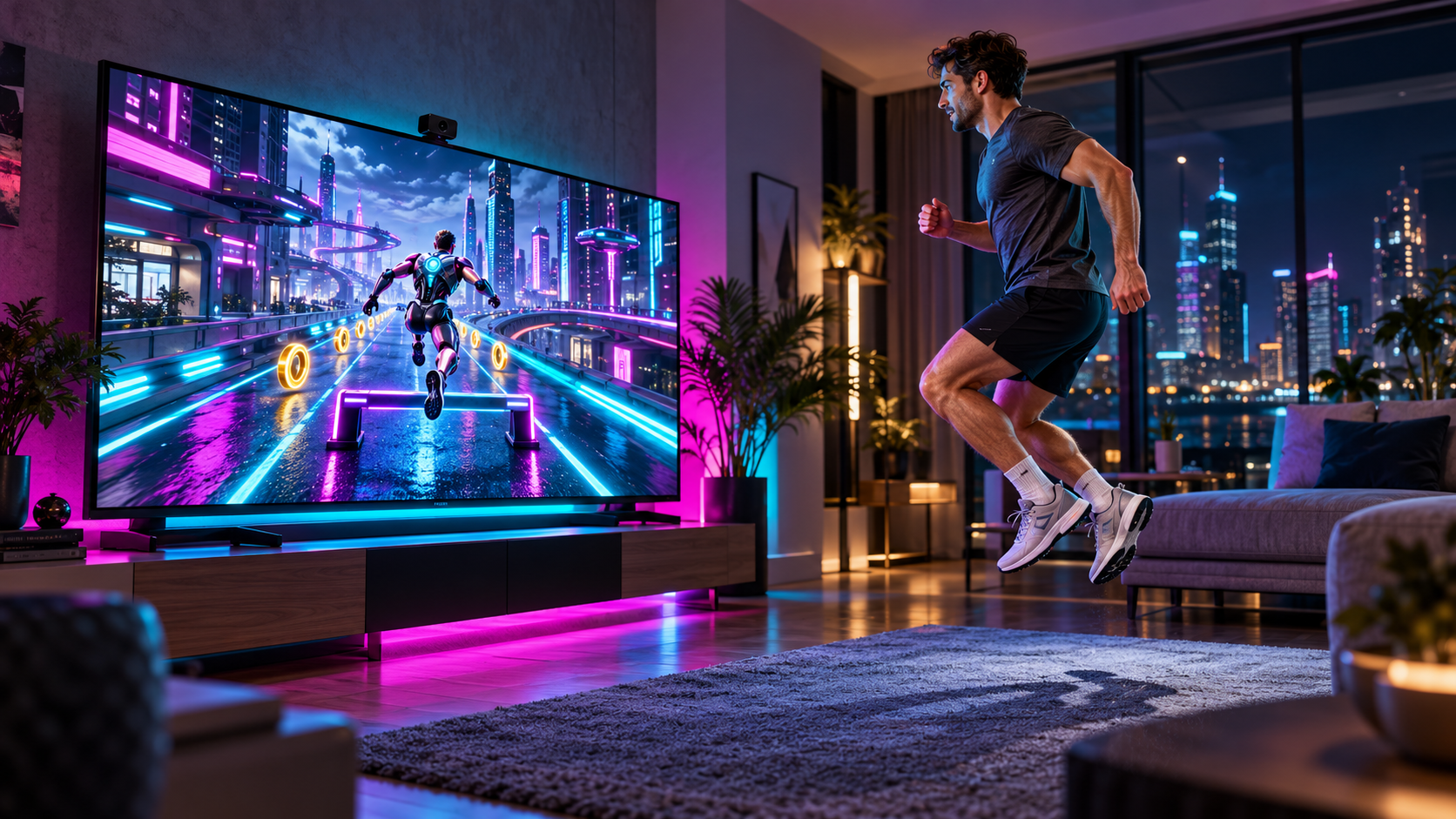
Illustrative game preview with an AI-generated person, based on PlayMOVE game graphics. Your movements control the game.
PLAYMOVE.ONLINE / CAMERA GAME
NEON RUN
Move your body to guide a futuristic runner through a glowing 3D city. Change lanes, jump over hurdles and duck beneath neon gates.
How to play
Show shoulders and hips to the camera. Calibrate and practice left, right, jumping and ducking. Move sideways to change lanes. Jump over low hurdles and hold a crouch beneath high gates. Your character runs automatically. Mistakes and brief camera losses never end your run. Three minutes through boulevard, tunnel and skyline. Hold your hand over the upper side menu targets. Keyboard: arrows or A/D, Space to jump, down/S to duck, Escape to pause. Practice does not enter rankings.
PLAY FREE NOW →Camera recommended. Mouse and touch are supported too.
Your goal and first tips
Run automatically through a neon boulevard, transit tunnel and skyline bridge in three minutes. Small lateral movements switch lanes; jumps and held crouches clear obstacles. Mistakes cause a stumble and the run continues.
Try this first
Calibrate your standing position and practice all four movements. Menu controls stay at the upper sides. Brief tracking losses never interrupt your run; longer losses earn no points or fitness time. Ranked rounds use fixed rules with separate camera and keyboard leaderboards. Practice stays local.
Camera setup and help
Start with the camera guide to check permissions, lighting and the visible movement area. It also explains phone setup, optional TV mode and what to try when tracking fails.
Open camera setup guide →