

← GAME SELECTION
GOALKEEP

Save the ball with your hands and body.

PLAY FREE NOW →
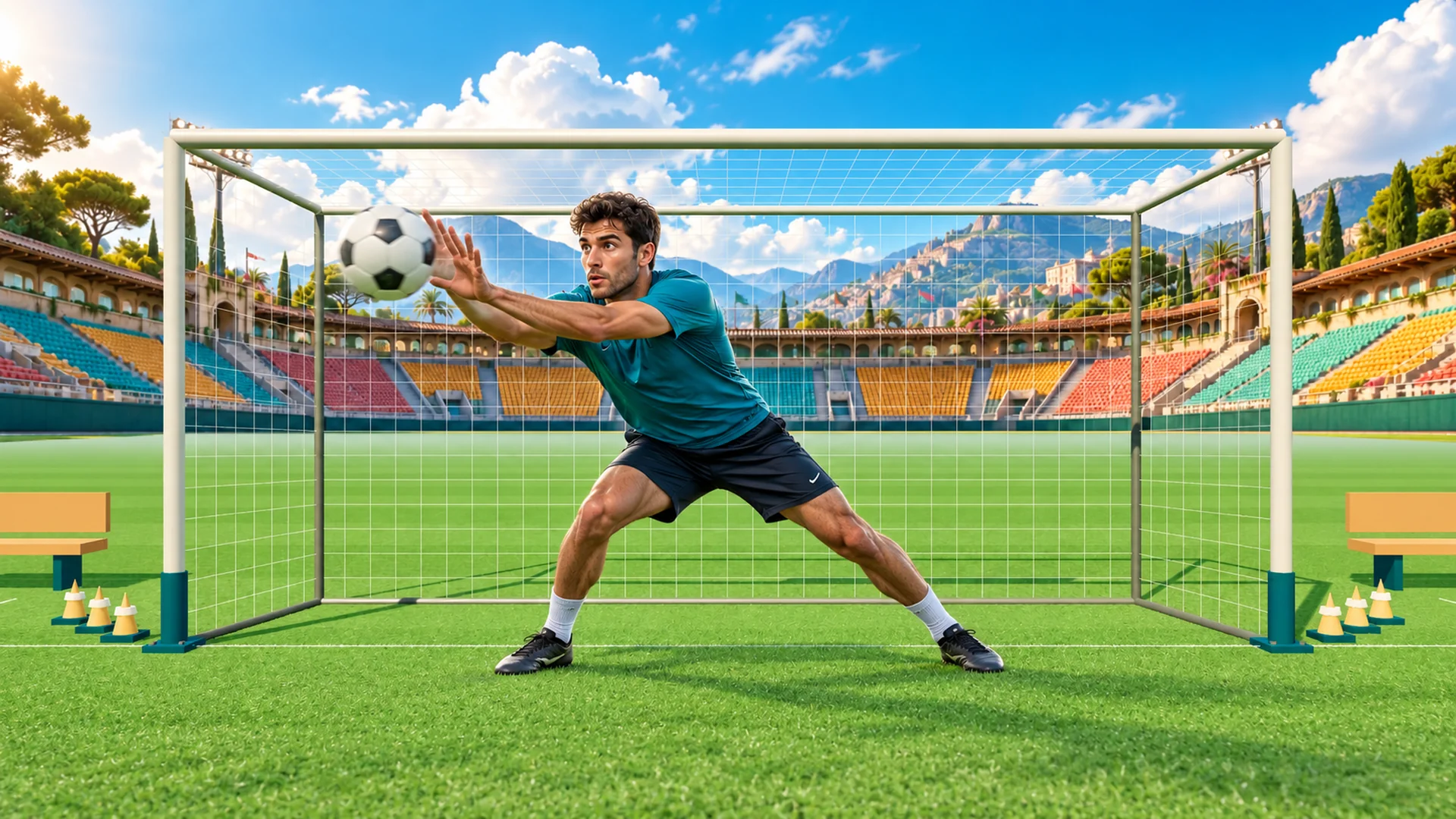
GOALKEEP: Save the ball with your hands and body. Illustrative preview with an AI-generated player.
GOALKEEP

Illustrative game preview with an AI-generated person, based on PlayMOVE game graphics. Your movements control the game.

PLAYMOVE.ONLINE / CAMERA GAME

GOALKEEP

Your goal. Your moment. Save flying footballs with your hands, arms and body as a live cutout goalkeeper on a 3D training pitch.

How to play

Show your upper body and both hands to calibrate. Follow the flight and block the ball as it arrives. The machine sweeps through different directions, grips the ball and fires without a target marker. Campaign combines machine quotas, mixed fitness, reaction and colored-basket challenges with team rounds using PlayMove match rules. Classic progresses from the ball machine to opposing strikers and corner volleys. Save 4, 6, 8 and 10 balls per round, then an endless wave. Shuttle runs and jumps or raised hands earn coach bonus points between rounds. The ball always stays in front of your camera cutout. Five goals end your run. Arcade adds curved shots and combos. Training is unranked. Keep your camera distance; tracking loss pauses play. Without a camera, move the glove with your mouse or touch. Escape pauses.

PLAY FREE NOW →

Camera recommended. Mouse and touch are supported too.
CONTROLSCamera · Mouse · Touch
PRICEFree
PLATFORMWeb browser
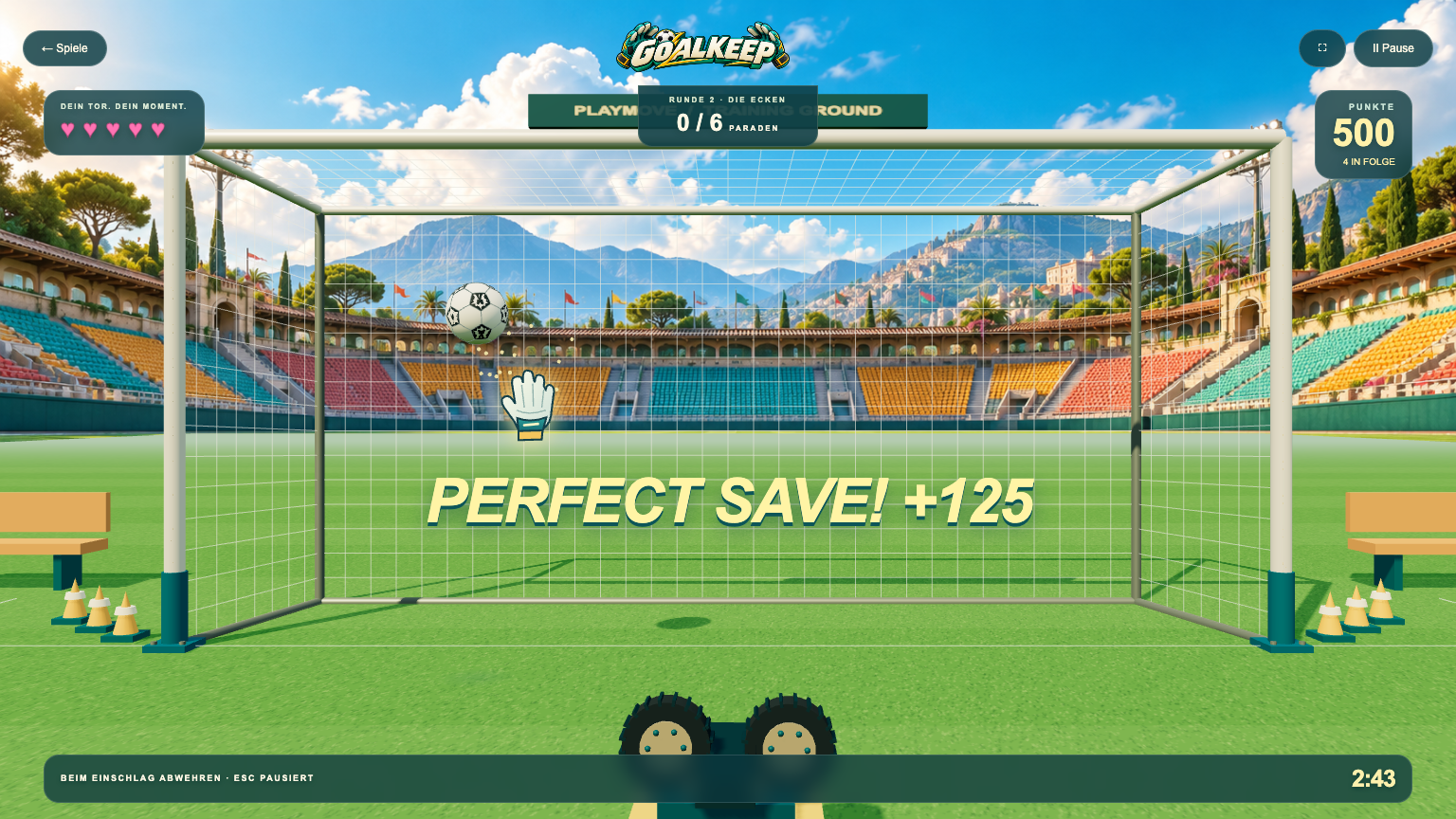
GOALKEEP: actual gameplay with the German interface
Actual gameplay capture using mouse or keyboard controls. The interface in this example is German.

Your goal and first tips

Defend the goal against the ball machine and the tasks in your chosen mode. Saves are the goal in scored games; five conceded goals end the match.

Try this first

Use training to learn your hand reach. Keep your calibrated position and watch the ball rather than looking for an aiming marker.

Camera setup and help

Start with the camera guide to check permissions, lighting and the visible movement area. It also explains phone setup, optional TV mode and what to try when tracking fails.

Open camera setup guide →