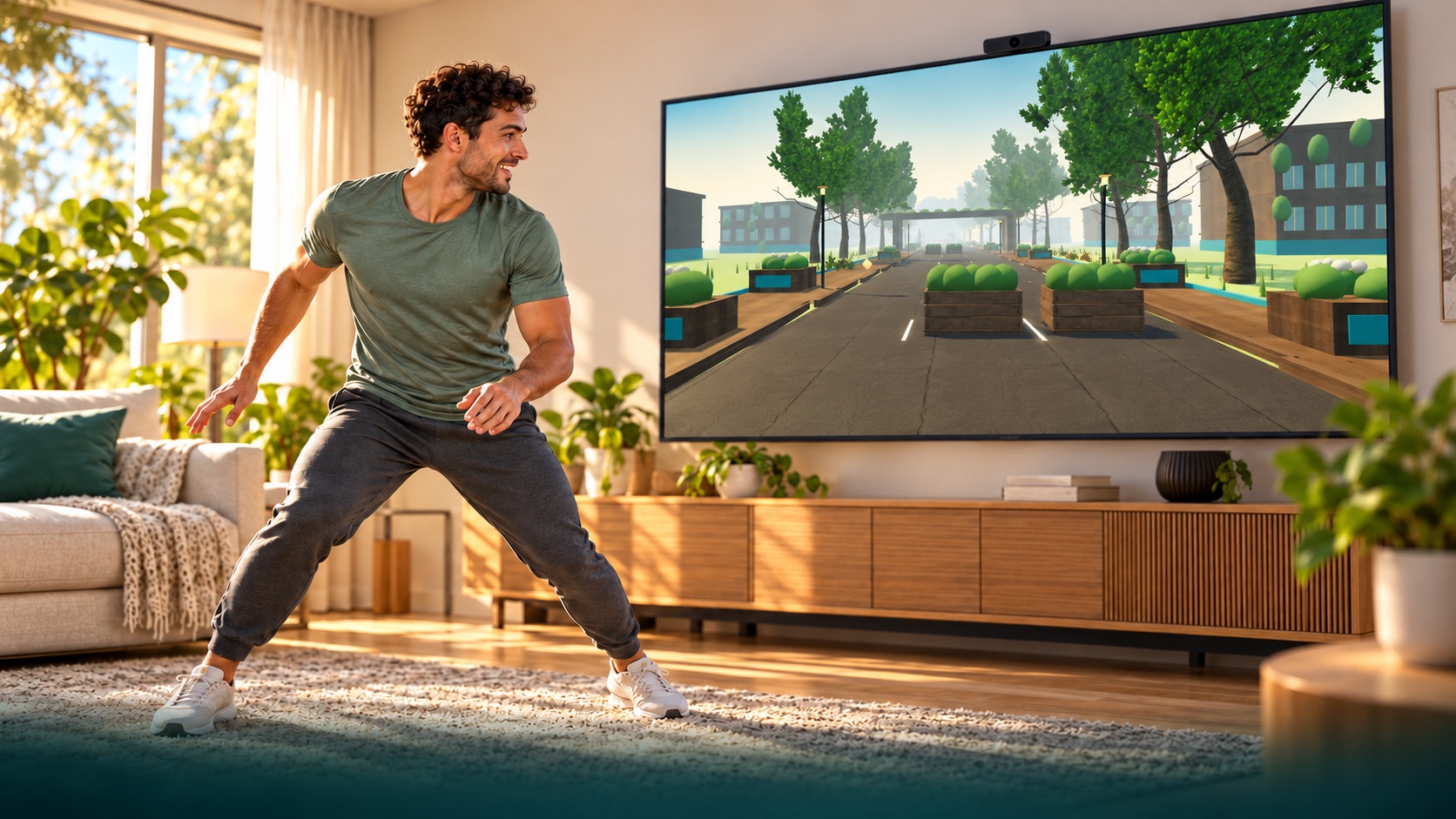
Illustrative game preview with an AI-generated person, based on PlayMOVE game graphics. Your movements control the game.
PLAYMOVE.ONLINE / CAMERA GAME
LUMEN TRAIL
Run through an overgrown future city. Dodge, jump over roots and duck under pipes. Your movements bring the light back in first-person view.
How to play
You run automatically in first-person view through parks, courtyards and an abandoned highway. Move sideways, make a small jump and crouch. The comfort profile uses raised hands for jumps. Calibrate first. Tracking loss never ends or pauses the run: you continue protected, without points or fitness time for assisted passages. Three-minute scored runs use fixed rules. Free training is unranked. Hold a raised hand over an upper side target to use menus. Keyboard: A/D or arrows, Space to jump, S/down to duck, Escape to pause. Touch: swipe sideways, up to jump and down to duck.
PLAY FREE NOW →Camera recommended. Mouse and touch are supported too.
Your goal and first tips
Run in first-person view along a continuous 3D course through an overgrown future city: park avenue, courtyards, abandoned highway and solar conservatory. Small sideways movements, jumps and crouches clear obstacles. Mistakes break your combo but never end the run.
Try this first
Calibrate and practice all four actions. Camera menus stay at the upper sides. When tracking is lost, the runner continues protected without points or fitness time for assisted passages. Three-minute runs use fixed rules and separate jump profiles. Free practice is unranked.
Camera setup and help
Start with the camera guide to check permissions, lighting and the visible movement area. It also explains phone setup, optional TV mode and what to try when tracking fails.
Open camera setup guide →