
DISCOVER PLAYMOVE
Body-controlled games: you are the controller
Your next game move can be a body movement. Depending on the game, Playmove uses hands, arms or your upper body. Explore controls ranging from precise wiping to matching whole-body shapes.
EXPLORE THE GAMES →Free · no account needed · camera, mouse or touch
21 free games to discover
Find your next game
Start with games for this topic, then explore more ideas with related controls or mechanics.
 For this topic
FLEXIBILITY
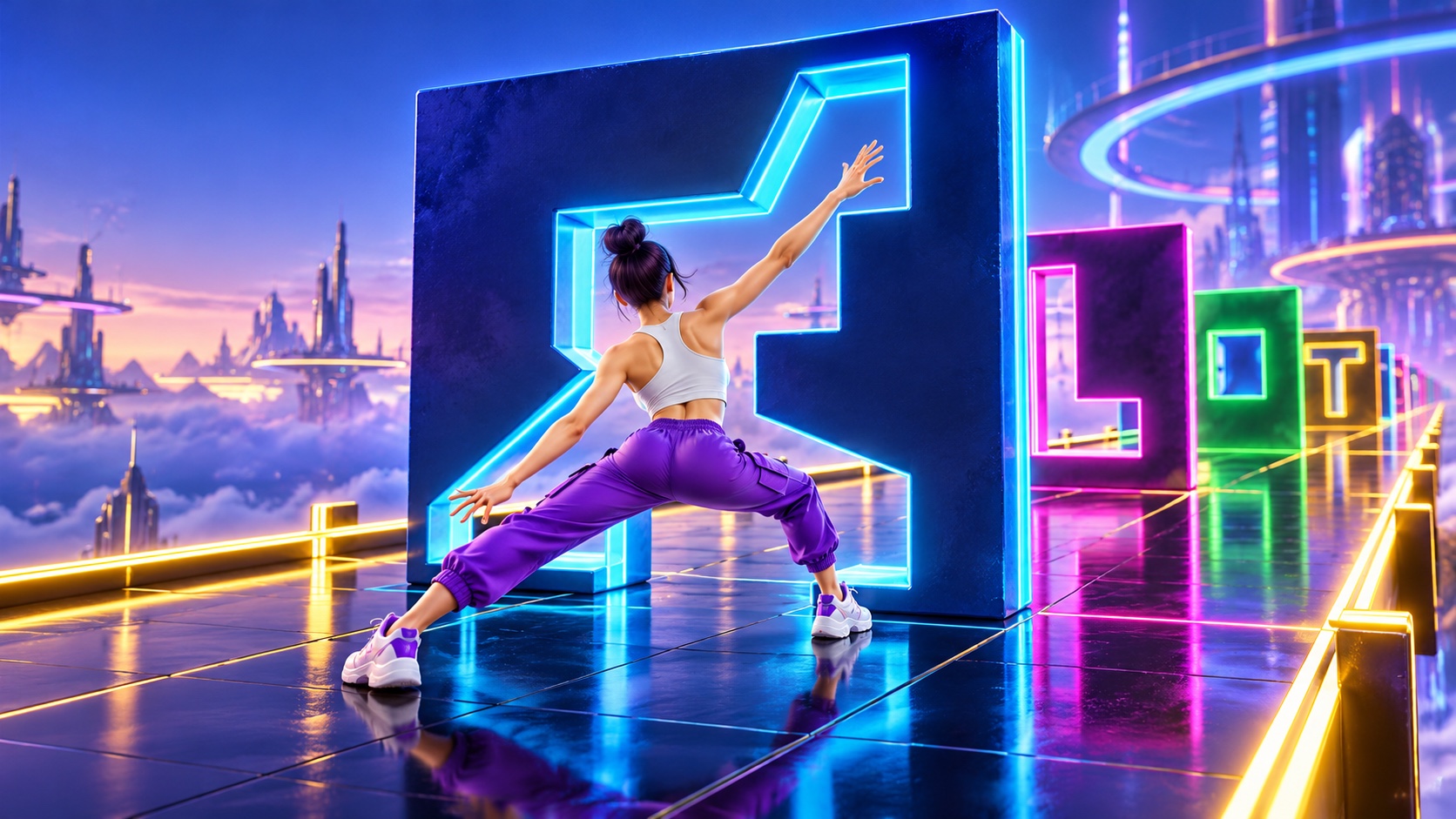
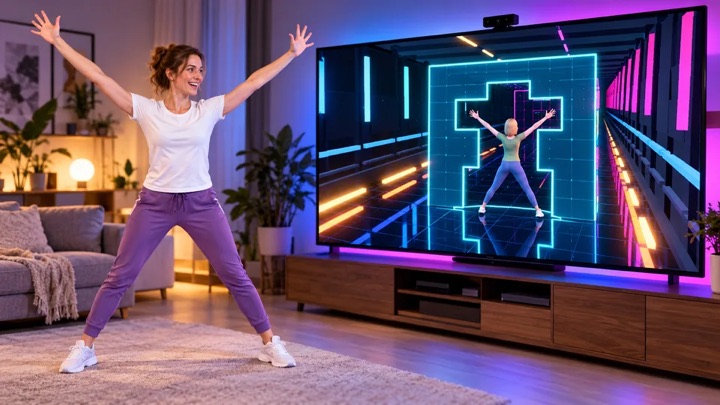
Neon walls fly towards you. Shape your body to fit the opening – your body is the puzzle.
Controls & rules
Choose your character and game mode. Hold your hand over an option. Stand upright for calibration with your head, hands and feet in frame. Fit your arms, upper body and legs into the block opening. At 80% you fit through; at 97% you earn the perfect bonus. Play until your third mistake – every fourth wall increases the speed. Without a camera: use keys 1–8 or drag joints in Pose Studio.
 For this topic
BODY RUSH
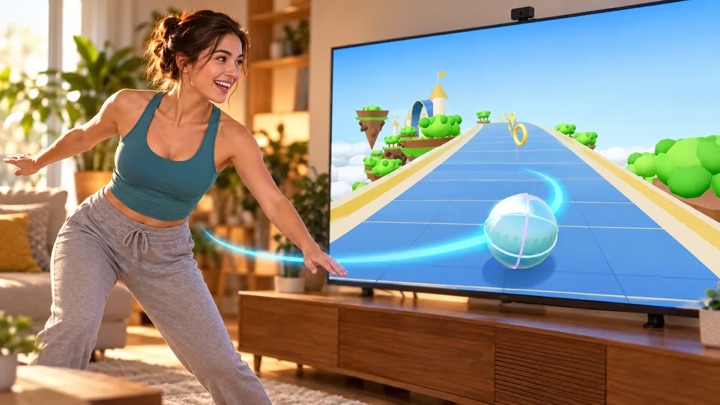
Use your body to steer a shiny marble through 14 floating 3D worlds. Rings, loops and turbo await.
Controls & rules
Choose a world. Stand upright with shoulders and hips visible for calibration. Lean left or right to steer; raise both hands to jump. Collect rings, avoid obstacles and use boost pads. Three lives, checkpoints and a rideable loop. Without a camera: move the mouse or use arrow keys / A D to steer, Space to jump, Shift to boost. Touch devices have on-screen controls.
 For this topic
Wave Rush
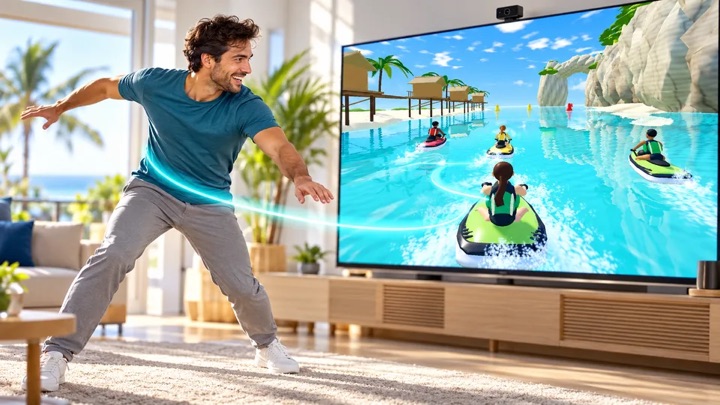
Race with your body across six original 3D courses – solo, in the championship or side by side in front of one camera.
Controls & rules
Choose from six courses, four riders, Arcade or Classic rules and 1, 3 or 5 laps. Lean to steer, crouch and straighten to jump, and raise both arms in the air for a Superman. Single Race, Time Trial, Championship, Stunts, Free Ride and local Versus are playable. In shared-camera Versus, player 1 stands on the left and player 2 on the right of the preview. Keyboard, touch and gamepad controls remain available.
 For this topic
Little & Giant
Become a nature spirit. Carry Little, shape paths and guide water, light and wind through 30 puzzle rooms with 15 magical painted worlds.
Controls & rules
Follow the labels beside each object: turquoise marks the start and gold the destination. To grow a leaf bridge, place both hands at the banks and connect them with your arms and shoulders. Lower your arms once Little starts walking. Pick Little up and set him down at the marked landing. With a mouse, touch or one hand, draw a shallow path; select one-hand mode in the journey menu. Completed actions remain in the world.
 For this topic
Kung Foo
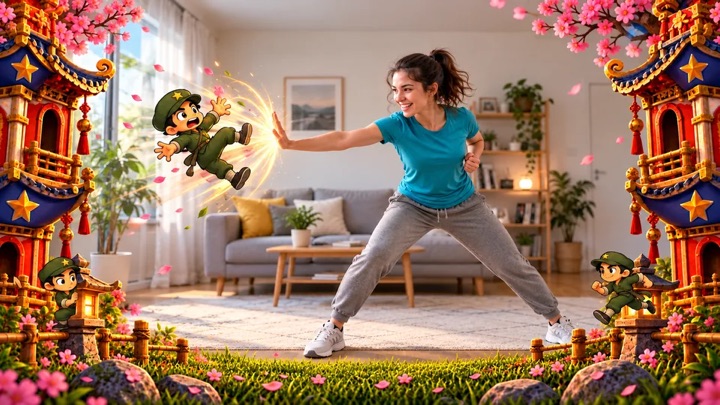
Punch, duck, dodge and block: turn your living room into a dojo.
Controls & rules
Defend yourself with movement: 👊 punch, 🙆 duck low, ↔ dodge to the open side, or 🙌 raise both hands to block. Large opponents need several hits, so watch their energy bar. A direct punch can still save you during special attacks; the matching move earns more points. Keep your combo going. Smash boards in the bonus round!
 For this topic
Plate Spinners – Jungle Jam
Keep up to four jungle plates spinning and chase away cheeky monkeys.
Controls & rules
Move your hands over the colorful plates to keep them spinning. Swat climbing monkeys away before they reach a plate. A capybara occasionally brings a bonus. Too little or too much spin costs a life.
 Try this too
LUMEN TRAIL
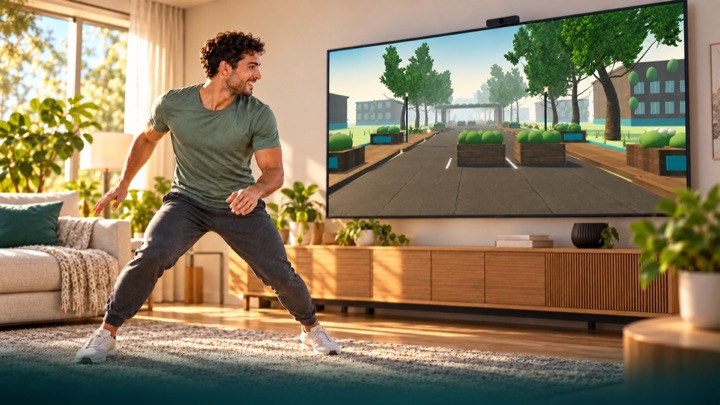
Run through an overgrown future city. Dodge, jump over roots and duck under pipes. Your movements bring the light back in first-person view.
Controls & rules
You run automatically in first-person view through parks, courtyards and an abandoned highway. Move sideways, make a small jump and crouch. The comfort profile uses raised hands for jumps. Calibrate first. Tracking loss never ends or pauses the run: you continue protected, without points or fitness time for assisted passages. Three-minute scored runs use fixed rules. Free training is unranked. Hold a raised hand over an upper side target to use menus. Keyboard: A/D or arrows, Space to jump, S/down to duck, Escape to pause. Touch: swipe sideways, up to jump and down to duck.
 Try this too
NEON RUN
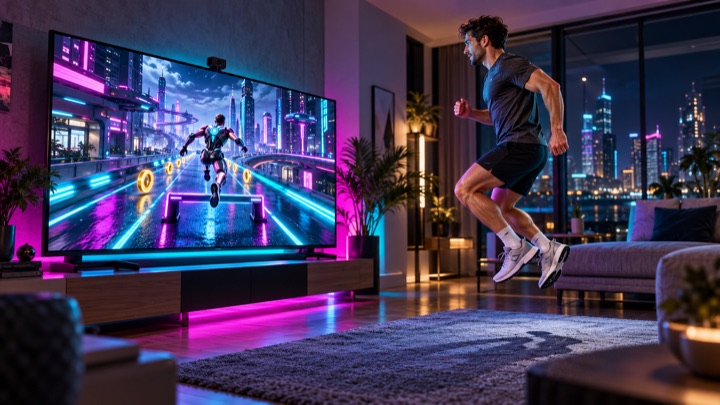
Move your body to guide a futuristic runner through a glowing 3D city. Change lanes, jump over hurdles and duck beneath neon gates.
Controls & rules
Show shoulders and hips to the camera. Calibrate and practice left, right, jumping and ducking. Move sideways to change lanes. Jump over low hurdles and hold a crouch beneath high gates. Your character runs automatically. Mistakes and brief camera losses never end your run. Three minutes through boulevard, tunnel and skyline. Hold your hand over the upper side menu targets. Keyboard: arrows or A/D, Space to jump, down/S to duck, Escape to pause. Practice does not enter rankings.
 Try this too
Boxing Champ
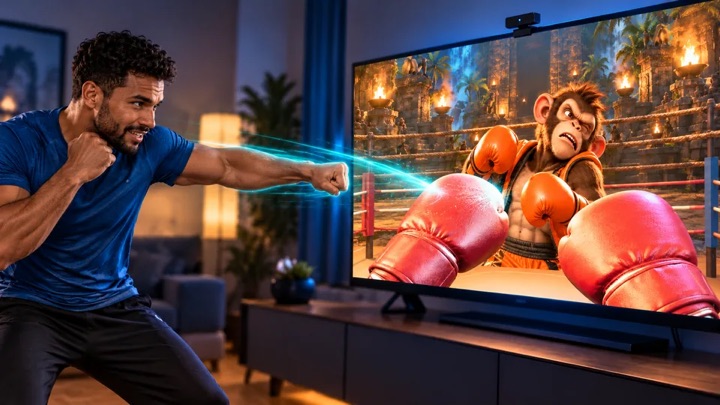
Five opponents. One ring. Your fists become boxing gloves – fight your way to champion.
Controls & rules
Keep your upper body and both hands in frame. Punch towards the center of the ring with your left and right hands: straight punches, hooks and uppercuts are detected. Raise both hands in front of your face to block; duck or lean sideways when an attack is announced. Defeat five opponents in succession. A punching bag bonus round awaits between fights. With mouse/touch: tap or click the opponent; arrow keys to dodge, space to block.
 Try this too
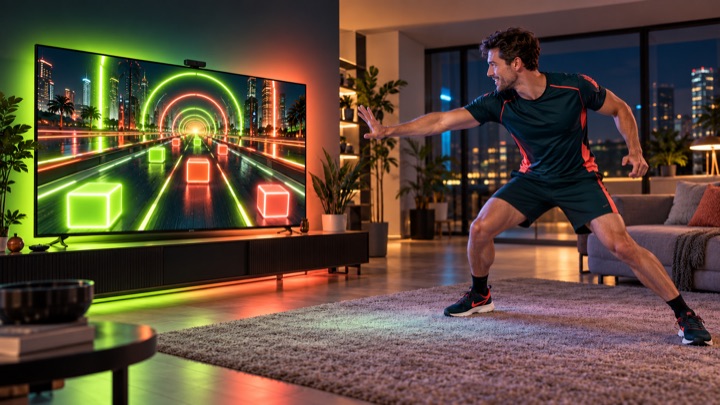
DANCE WORKOUT
Your body becomes the beat: travel through twelve distinct 3D worlds, hit neon blocks and master new combinations at changing tempos.
Controls & rules
Find new blockers under World Journey > New Blockers. Stand wide or close and combine hand targets with crouches. Calibration can use visible knees when feet are cropped; unreliable legs automatically select the separately ranked upper-body alternative. Hold Q for wide stance, release to stand close. Show shoulders, hips and hands. Calibrate and practice touches, side steps, jumping and ducking. Touch neon blocks with your hands; double targets need both hands. Small side steps, real jumps and held crouches control obstacles. The journey never stops on mistakes or tracking losses. No points or fitness time are earned while untracked. Menu targets stay at the upper outer sides and require deliberate holding. Choose the twelve-minute journey, any single practice world or the three-minute round. Twelve worlds, 96–148 BPM, increasing difficulty, original music and separate leaderboards. Without a camera: mouse or touch for hand targets, Shift for both hands, A/D or arrows to dodge, Space to jump, S/down to duck, Escape to pause.
 Try this too
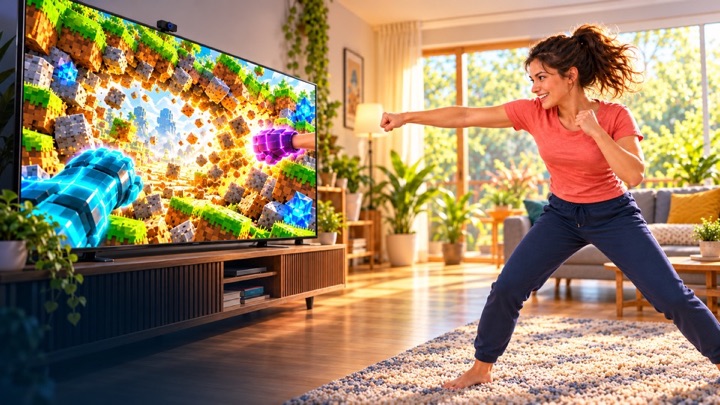
WALL SMASH
Punch through endless block walls. Gather wood, stone and ore, build a workbench and furnace and craft better gauntlets. Your account saves inventory and depth.
Controls & rules
Choose Dig tunnel or Open World at startup. Both share your save and workshop. Show both hands in the camera. Wave inside a big circle until it fills. Close your fists to punch blocks. Open and rotate your hands to see your neon fingers. Gather materials and craft stronger gauntlets in the workshop. Clear a 3 × 3 passage in the centre. You move deeper into the tunnel automatically. Both hands together: power! Mouse or touch: tap circles and blocks.
 Try this too
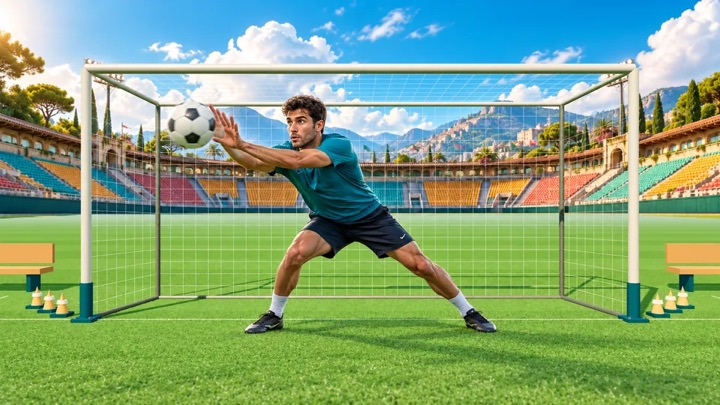
GOALKEEP
Your goal. Your moment. Save flying footballs with your hands, arms and body as a live cutout goalkeeper on a 3D training pitch.
Controls & rules
Show your upper body and both hands to calibrate. Follow the flight and block the ball as it arrives. The machine sweeps through different directions, grips the ball and fires without a target marker. Campaign combines machine quotas, mixed fitness, reaction and colored-basket challenges with team rounds using PlayMove match rules. Classic progresses from the ball machine to opposing strikers and corner volleys. Save 4, 6, 8 and 10 balls per round, then an endless wave. Shuttle runs and jumps or raised hands earn coach bonus points between rounds. The ball always stays in front of your camera cutout. Five goals end your run. Arcade adds curved shots and combos. Training is unranked. Keep your camera distance; tracking loss pauses play. Without a camera, move the glove with your mouse or touch. Escape pauses.
Not every game needs your whole body
Wishi Washi and Plate Spinners mainly use hands and arms. Kung Foo adds punching, ducking and dodging. FLEXIBILITY asks for matching body shapes. Follow each game body guide rather than using the same position for every game.
Steer and build paths with your body
BODY RUSH and Wave Rush use upper-body lean to steer. Little & Giant turns body parts into connections between glowing stones. A steady, well-lit camera view is particularly helpful.
Clear movements instead of rushing
Try slow gestures first. Check that your extended hands remain visible. Camera navigation lets you hold a hand over a game-selection target. Settings offer display and motion-sensitivity adjustments, but good camera positioning still matters.
Three steps into a game.
Allow camera access
Click “Start camera & play” on the homepage. If your browser asks, allow access. Game selection appears once the camera is ready.
Step by step →Check distance and light
Keep the camera steady, your extended hands in frame and light yourself from the front. Follow the selected game body guide.
Step by step →If movement is not detected
Check the preview, camera status and lighting. Try slow movements. If access is blocked or the preview is black, the full guide helps you continue.
Step by step →Common questions. Clear answers.
Do I have to physically jump?
It depends on the game. Some use hands or upper body. BODY RUSH triggers a jump by raising both hands, for example. The game page describes the gestures.
Can I learn the controls without a camera first?
Yes. Playable titles support mouse or touch, with some also offering keyboard or gamepad.
Are videos recorded or uploaded?
During normal camera play, the feed is processed on your device. Playmove does not save a video recording or upload the camera feed to its server. The optional TV mode sends a feed or control data to your paired screen; the differences are explained in the phone and TV section.
Do I need a microphone?
Not for camera controls. My Little Buddy offers optional voice commands, initially switched off and enabled separately. If local speech recognition is unavailable, this extra feature remains off.
How do I switch the camera off?
Click the camera icon in the game-selection header. The Playmove logo returns you to the homepage and stops the camera. You can also revoke the browser permission or close the game tab.