
PLAYMOVE / COMPARE
Xbox motion games without Kinect
Motion games without Kinect need another supported input. On Xbox this depends on the game. A console browser does not automatically provide PlayMOVE webcam tracking.
Original browser games · Free · Camera starts only when you choose
21 free games to discover
Find your next game
Start with games for this topic, then explore more ideas with related controls or mechanics.
 For this topic
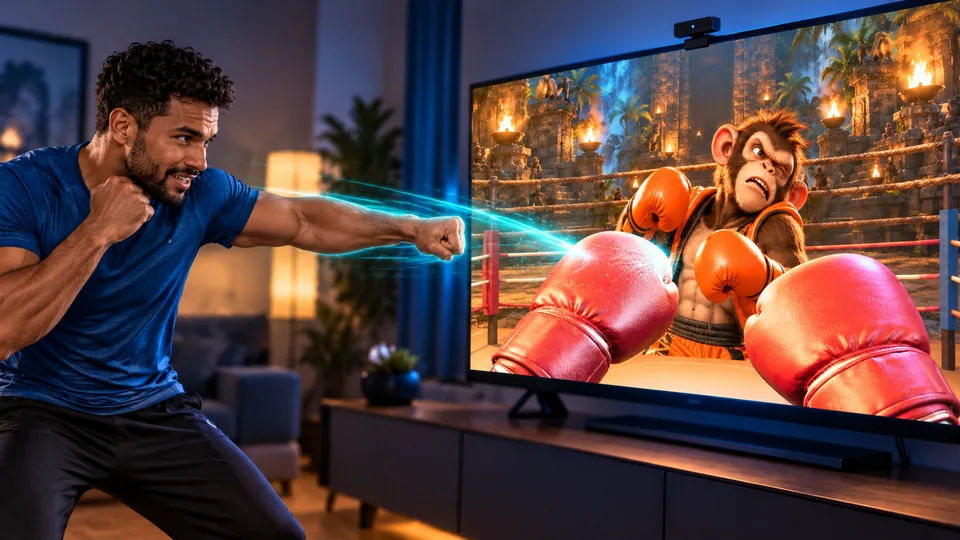
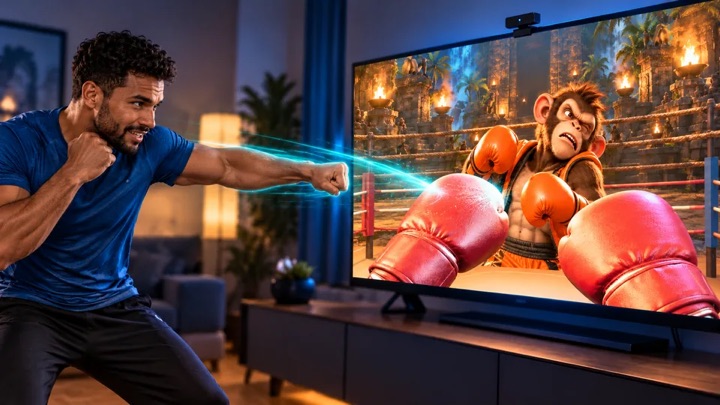
Boxing Champ
Five opponents. One ring. Your fists become boxing gloves – fight your way to champion.
Controls & rules
Keep your upper body and both hands in frame. Punch towards the center of the ring with your left and right hands: straight punches, hooks and uppercuts are detected. Raise both hands in front of your face to block; duck or lean sideways when an attack is announced. Defeat five opponents in succession. A punching bag bonus round awaits between fights. With mouse/touch: tap or click the opponent; arrow keys to dodge, space to block.
 Try this too
Kung Foo
Punch, duck, dodge and block: turn your living room into a dojo.
Controls & rules
Defend yourself with movement: 👊 punch, 🙆 duck low, ↔ dodge to the open side, or 🙌 raise both hands to block. Large opponents need several hits, so watch their energy bar. A direct punch can still save you during special attacks; the matching move earns more points. Keep your combo going. Smash boards in the bonus round!
 Try this too
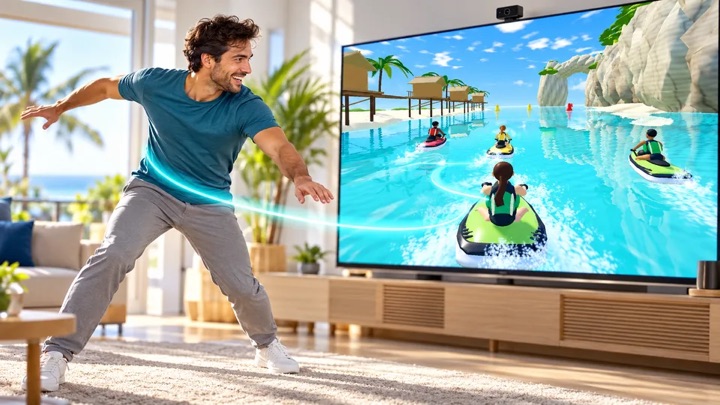
Wave Rush
Race with your body across six original 3D courses – solo, in the championship or side by side in front of one camera.
Controls & rules
Choose from six courses, four riders, Arcade or Classic rules and 1, 3 or 5 laps. Lean to steer, crouch and straighten to jump, and raise both arms in the air for a Superman. Single Race, Time Trial, Championship, Stunts, Free Ride and local Versus are playable. In shared-camera Versus, player 1 stands on the left and player 2 on the right of the preview. Keyboard, touch and gamepad controls remain available.
 Try this too
WALL SMASH
Punch through endless block walls. Gather wood, stone and ore, build a workbench and furnace and craft better gauntlets. Your account saves inventory and depth.
Controls & rules
Choose Dig tunnel or Open World at startup. Both share your save and workshop. Show both hands in the camera. Wave inside a big circle until it fills. Close your fists to punch blocks. Open and rotate your hands to see your neon fingers. Gather materials and craft stronger gauntlets in the workshop. Clear a 3 × 3 passage in the centre. You move deeper into the tunnel automatically. Both hands together: power! Mouse or touch: tap circles and blocks.
 Try this too
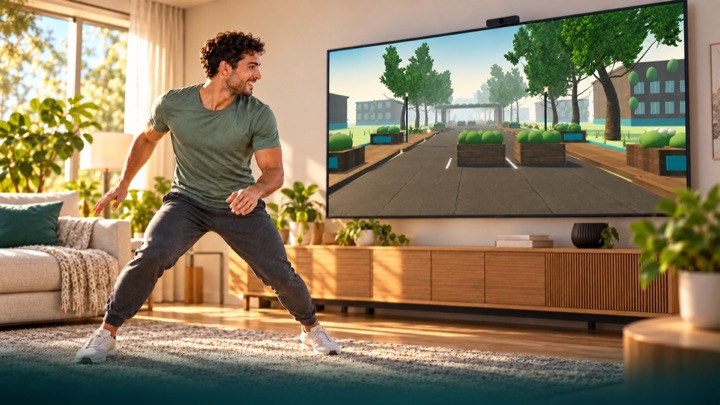
LUMEN TRAIL
Run through an overgrown future city. Dodge, jump over roots and duck under pipes. Your movements bring the light back in first-person view.
Controls & rules
You run automatically in first-person view through parks, courtyards and an abandoned highway. Move sideways, make a small jump and crouch. The comfort profile uses raised hands for jumps. Calibrate first. Tracking loss never ends or pauses the run: you continue protected, without points or fitness time for assisted passages. Three-minute scored runs use fixed rules. Free training is unranked. Hold a raised hand over an upper side target to use menus. Keyboard: A/D or arrows, Space to jump, S/down to duck, Escape to pause. Touch: swipe sideways, up to jump and down to duck.
 Try this too
REACTION FLOW
Power a futuristic energy arena with your body. Touch light cores, find your rhythm and get your whole body moving.
Controls & rules
Calibrate your movement space: stand still, stretch both arms sideways, then raise your hands. Touch blue cores with one hand and purple cores with both. Aim for the beat as the outer ring meets the target ring. PERFECT awards bonus points; early and late hits still count. Green means squat; orange means side step. Tracking loss pauses the round. Without a camera: mouse or touch, down arrow to squat, left and right arrows to step. Follow light trails with the same hand, stabilize both energy fields, and duck below red waves. Gold: hands up, arms wide, then squat.
 Try this too
Keep Ups
Head the football up and shoot it into glowing opponent portals.
Controls & rules
You appear large in the camera view. Keep the ball in the air with your head and upper body. Move sideways to guide it into a glowing portal on the left or right. Hits earn points and bonuses. If the ball falls out at the bottom, you lose one of three lives. You can also play with mouse or touch.
 Try this too
GOALKEEP
Your goal. Your moment. Save flying footballs with your hands, arms and body as a live cutout goalkeeper on a 3D training pitch.
Controls & rules
Show your upper body and both hands to calibrate. Follow the flight and block the ball as it arrives. The machine sweeps through different directions, grips the ball and fires without a target marker. Campaign combines machine quotas, mixed fitness, reaction and colored-basket challenges with team rounds using PlayMove match rules. Classic progresses from the ball machine to opposing strikers and corner volleys. Save 4, 6, 8 and 10 balls per round, then an endless wave. Shuttle runs and jumps or raised hands earn coach bonus points between rounds. The ball always stays in front of your camera cutout. Five goals end your run. Arcade adds curved shots and combos. Training is unranked. Keep your camera distance; tracking loss pauses play. Without a camera, move the glove with your mouse or touch. Escape pauses.
Understand the task
Distinguish an Xbox game, its smartphone controller and a separate browser game. Check requirements with the provider. For our camera input, start on a suitable computer or mobile device with a working browser camera.
Which option suits you?
| Option | Task or route | What to check |
|---|---|---|
| Boxing Champ | Punch and block | Hands and upper body |
Start your first round
- Choose the specific title first.
- Check its supported input.
- Test browser movement separately from console compatibility.
Comparison sources
Further sources, last editorially reviewed on 28 October 2026. Third-party hardware was not independently tested.