
PLAYMOVE / HOW TO PLAY
Can camera games work offline
PlayMOVE is a website without a promised offline installation here. A loaded scene continuing briefly does not mean every game can restart without internet.
Original browser games · Free · Camera starts only when you choose

21 free games to discover
Find your next game
Start with games for this topic, then explore more ideas with related controls or mechanics.
 For this topic
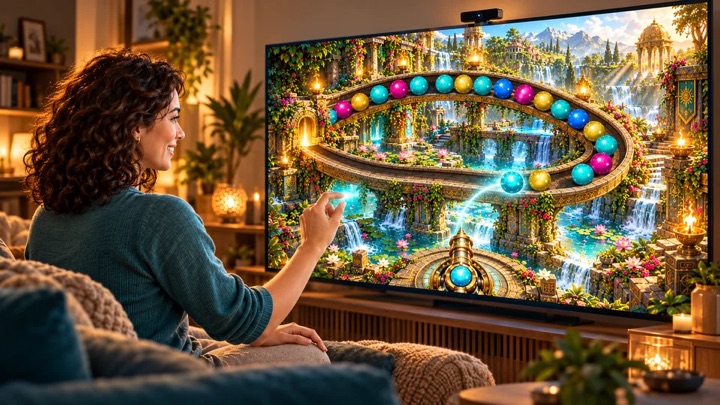
TEMPLE FLOW
Your hand guides you through sunlit gardens, a waterfall spiral and the Sun Sanctuary. Collect stars, play short marble trials and practice without losing lives.
Controls & rules
Choose a single trial or the complete journey. Move your hand to aim; the preview shows the insertion point, neighbours and matching colors. Aim with one open hand. Make a loose fist to shoot, then open your hand again. Alternatively choose Hold without a shooting gesture; pinch remains an optional extra. Only one hand controls the pointer. Move to a new target after firing. Match three marbles of one color. Swap the current and next marble using SWAP. A trial lasts up to three active minutes, the complete journey nine. Earn stars to unlock trials; personal tasks persist when optional saving is allowed. Training has no life loss, time limit, stars or rankings. Camera & Comfort provides seated controls, calibration and your own real player study. Tracking loss pauses play. Mouse/touch: aim and click or tap; Space swaps, Escape pauses. Scored trials have fixed rules and separate leaderboards.
 Try this too
Little & Giant
Become a nature spirit. Carry Little, shape paths and guide water, light and wind through 30 puzzle rooms with 15 magical painted worlds.
Controls & rules
Follow the labels beside each object: turquoise marks the start and gold the destination. To grow a leaf bridge, place both hands at the banks and connect them with your arms and shoulders. Lower your arms once Little starts walking. Pick Little up and set him down at the marked landing. With a mouse, touch or one hand, draw a shallow path; select one-hand mode in the journey menu. Completed actions remain in the world.
 Try this too
Wishi Washi
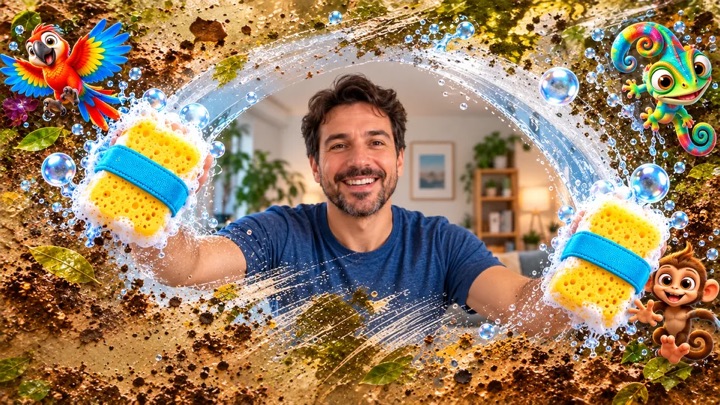
Clean mysterious windows into other worlds and follow three glowing trails.
Controls & rules
Your hands wear two virtual sponges. Wipe quickly across the glass, build up your power wipe and follow the three glowing trails. Each trail reveals its discovery step by step. The cheeky bird may dirty freshly cleaned areas again.
 Try this too
Ghost Catcher
Explore the haunted mansion with your body. Find hiding places and vacuum up every ghost.
Controls & rules
Search each room for hidden eyes, mirrors and shadows. Move your hand over one to reveal the ghost. Keep wiping until your ghost vacuum catches it. Chase away the bats too. Hold your hand over a large arrow to change rooms. Find all 10 ghosts and 3 bats with no time pressure.
 Try this too
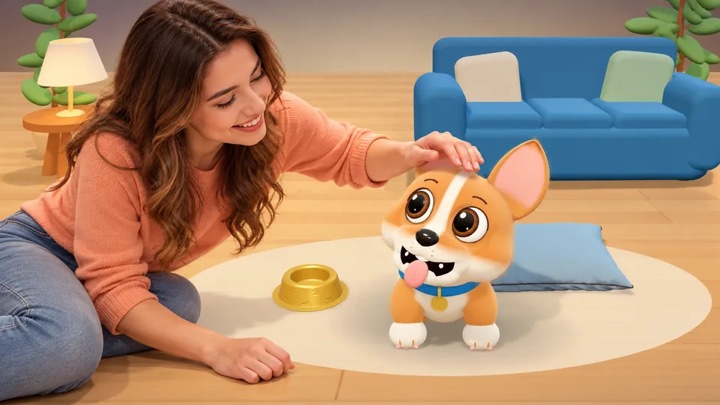
My Little Buddy
Your little corgi lives in your camera image. Explore his daily life, play ball and spend time together.
Controls & rules
Choose “Care” or “Play”. Hold your open hand over a large button. Buddy shows you the next step. Close your hand to grab. Open your hand to release. Use “Back” and “Switch” to choose something else at any time.
 Try this too
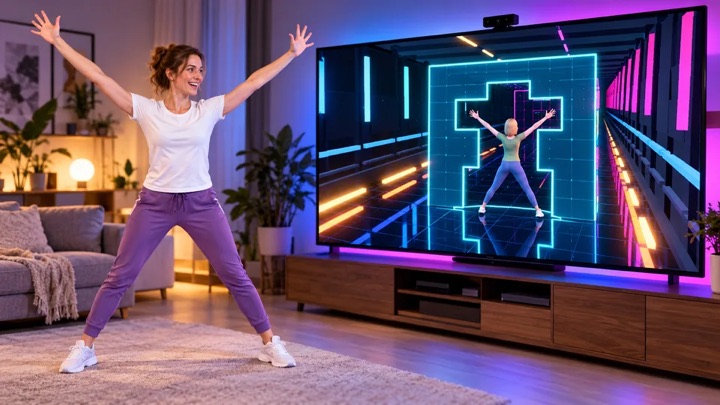
FLEXIBILITY
Neon walls fly towards you. Shape your body to fit the opening – your body is the puzzle.
Controls & rules
Choose your character and game mode. Hold your hand over an option. Stand upright for calibration with your head, hands and feet in frame. Fit your arms, upper body and legs into the block opening. At 80% you fit through; at 97% you earn the perfect bonus. Play until your third mistake – every fourth wall increases the speed. Without a camera: use keys 1–8 or drag joints in Pose Studio.
 Try this too
Keep Ups
Head the football up and shoot it into glowing opponent portals.
Controls & rules
You appear large in the camera view. Keep the ball in the air with your head and upper body. Move sideways to guide it into a glowing portal on the left or right. Hits earn points and bonuses. If the ball falls out at the bottom, you lose one of three lives. You can also play with mouse or touch.
 Try this too
GOALKEEP
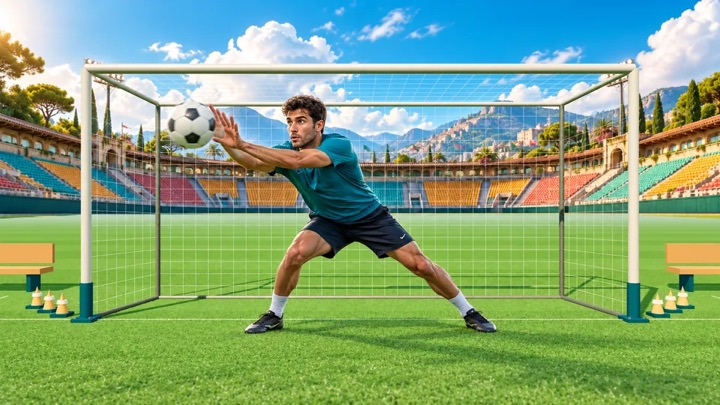
Your goal. Your moment. Save flying footballs with your hands, arms and body as a live cutout goalkeeper on a 3D training pitch.
Controls & rules
Show your upper body and both hands to calibrate. Follow the flight and block the ball as it arrives. The machine sweeps through different directions, grips the ball and fires without a target marker. Campaign combines machine quotas, mixed fitness, reaction and colored-basket challenges with team rounds using PlayMove match rules. Classic progresses from the ball machine to opposing strikers and corner volleys. Save 4, 6, 8 and 10 balls per round, then an endless wave. Shuttle runs and jumps or raised hands earn coach bonus points between rounds. The ball always stays in front of your camera cutout. Five goals end your run. Arcade adds curved shots and combos. Training is unranked. Keep your camera distance; tracking loss pauses play. Without a camera, move the glove with your mouse or touch. Escape pauses.
Understand the task
Distinguish initial setup, reloading and an already active local round. Accounts and pairing may require a connection. For events, test beforehand and prepare an offline alternative rather than relying on incidental browser cache.
Which option suits you?
| Option | Task or route | What to check |
|---|---|---|
| TEMPLE FLOW | Aim with one hand; fist or hold triggers | Seated controls and Training available |
Start your first round
- Check the planned flow with a connection.
- Distinguish continued play from a new start.
- Prepare a no-network alternative.